

Clean, charge, store: a 5-minute care routine
A short routine can keep the amplifier, cables, earbuds, and headphones ready for the next use.
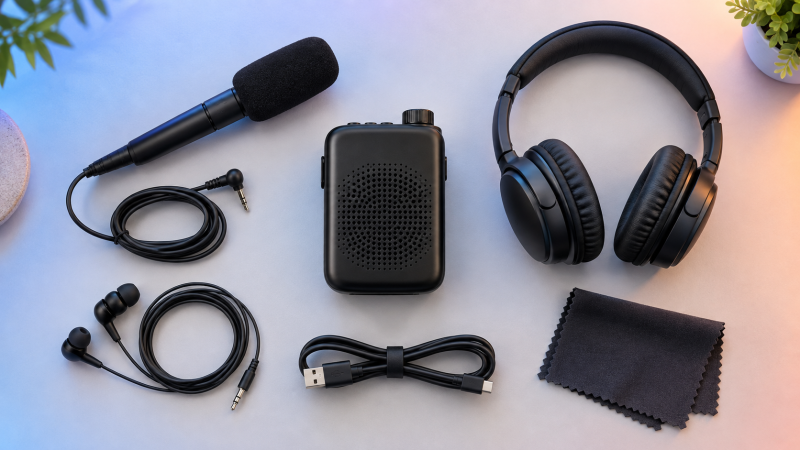
Routine care does not need to be complicated. Power down, wipe the surfaces, check the connectors, and return every piece to a dry storage place.
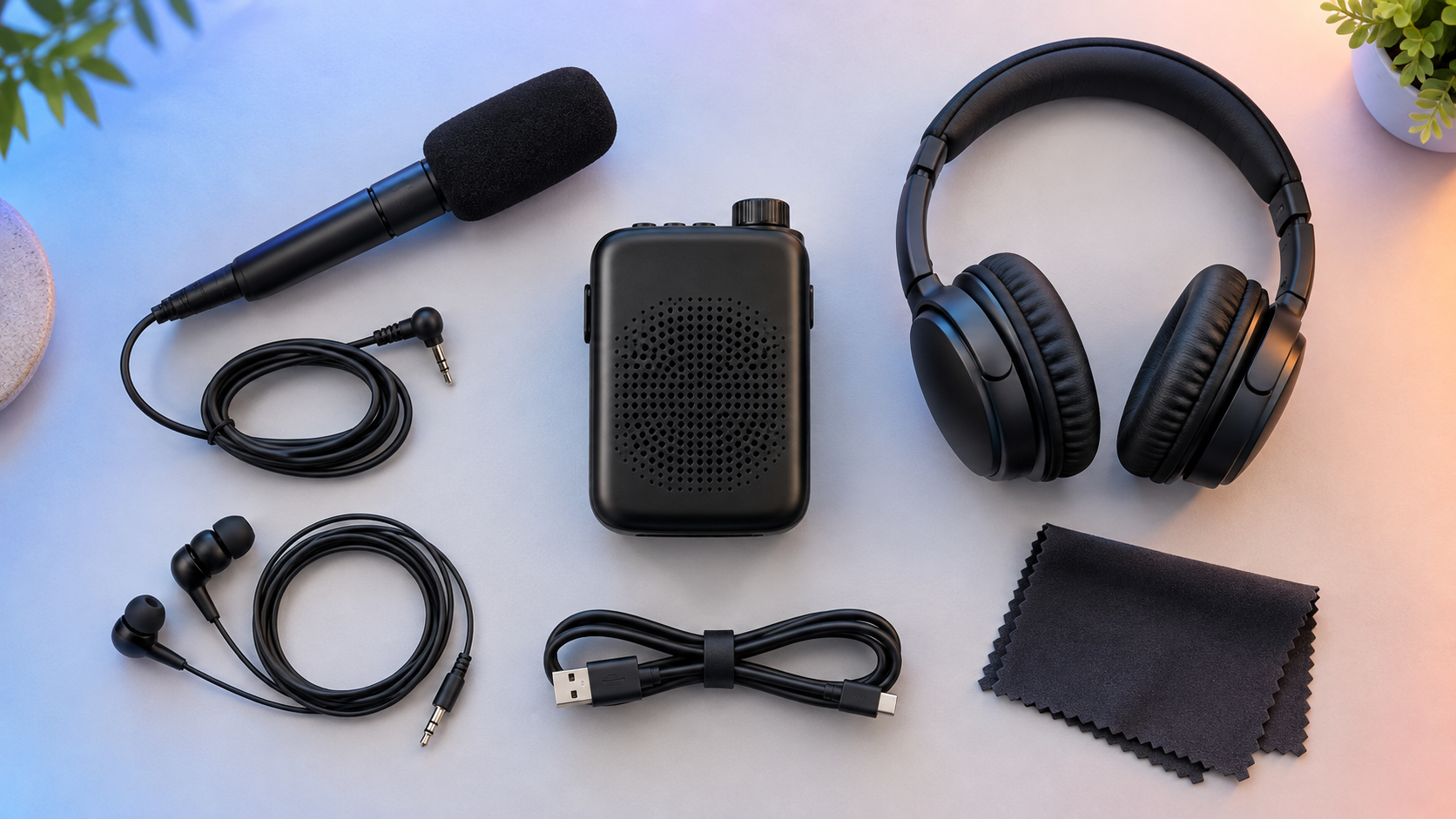
Before cleaning
Turn the amplifier off and disconnect the charging cable, headphones, or earbuds. Hold plugs by their molded ends instead of pulling on the wire. Never clean the device while it is connected to power.
Wipe and check
- Use a clean, soft, dry cloth on the amplifier body and microphone exterior.
- Check the microphone opening for visible dust. Do not push pins, swabs, or liquid into it.
- Wipe headphone surfaces and removable earbud tips according to the accessory instructions.
- Look for bent plugs, cracked insulation, or loose connections before the next use.
Keep liquids away. Do not immerse the amplifier, apply cleaning spray directly to it, or use harsh household chemicals.
Charge with care
Use the compatible charging cable and a suitable power source. Place the device on a stable, dry surface with room around it. If a cable or connector is damaged, stop using that accessory and replace it.
When charging is complete, disconnect the cable by the plug. Coiling a cable loosely helps avoid sharp bends near the connector.
Store everything together
Choose a clean, dry place away from direct heat, moisture, pets, and young children. Keep the amplifier, microphone, listening accessories, and charging cable together so setup is predictable.
Before a longer period without use, consult the product manual for battery and storage instructions specific to your model. Product manuals are available through the iRoger website’s Customer Service section.